Counter-Strike 1.6 – English version for PC
Classic CS 1.6 game information, screenshots and download options

Download CS 1.6 Installation guide
Downloads: 1,813

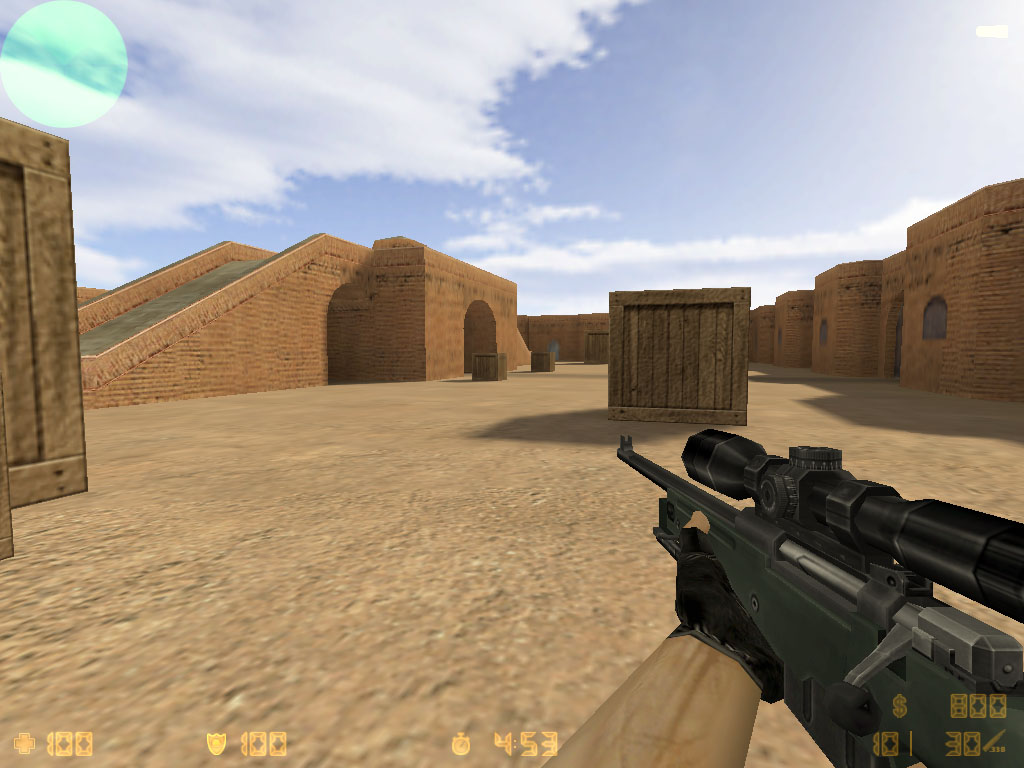
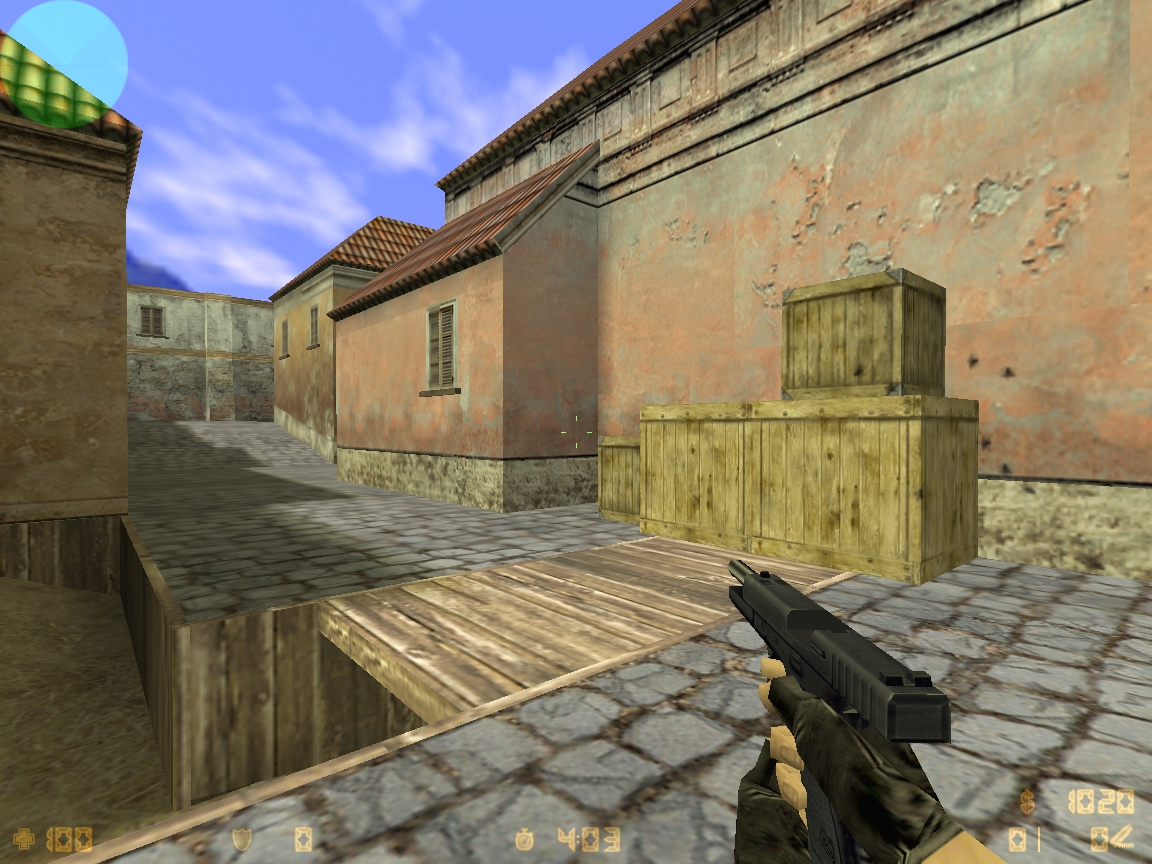
Counter-Strike 1.6 screenshots
A look at classic Counter-Strike 1.6 maps and gameplay




About Counter-Strike 1.6
Why the classic tactical shooter is still remembered
Counter-Strike 1.6 is a classic team-based first-person shooter built around short competitive rounds. Players join either the Terrorist or Counter-Terrorist team and complete objectives such as planting or defusing a bomb, rescuing hostages, or eliminating the opposing team.
Its simple rules, recognizable maps and responsive gunplay made CS 1.6 one of the most influential multiplayer PC games. Well-known maps include de_dust2, de_nuke, de_inferno, de_train and de_aztec. Community servers later added thousands of custom maps, gameplay modes and server-side modifications.
This page is maintained as a compact English reference and download landing page for players looking for classic Counter-Strike 1.6 information.
Installation and system requirements
A quick checklist before launching the game
Installation
- Download the installer from a source you trust.
- Scan the downloaded file with your antivirus software.
- Run the installer and choose an installation folder.
- Launch Counter-Strike 1.6 and configure your display, sound and controls.
- Open the server browser and connect to a compatible server.
Typical requirements
- Windows PC
- Keyboard and mouse
- Internet connection for online multiplayer
- Sound device and graphics hardware capable of running classic OpenGL/Direct3D games
- Free disk space for the game, maps and server downloads
Counter-Strike 1.6 FAQ
Common questions from returning players
Can Counter-Strike 1.6 still be played online?
Yes. Community servers continue to run classic Counter-Strike 1.6, although server availability and compatibility depend on the client and server configuration.
What are the most famous CS 1.6 maps?
Popular classics include de_dust2, de_inferno, de_nuke, de_train, de_aztec and many community-created maps.
What should I do before opening a downloaded installer?
Use a trusted source, verify the file where possible and scan it with current security software before running it.
Where can I find the active Silentai Counter-Strike project?
Visit silentai.lt for the active Silentai community site, server information and project updates.
CS 1.6 guides
More useful pages for new and returning players
CS 1.6 Guide
Gameplay, objectives, maps and classic multiplayer basics.
Installation
Download safety, setup, first launch and connection steps.
Requirements
Practical Windows, graphics, storage and network notes.
Servers
How community servers, ping and custom resources work.
Gameplay Video
Watch classic CS 1.6 multiplayer gameplay before you install and play.